 VEYRNOX · Blog · Aug 11, 2026 · 6 min read · By Al Jobson, Founder
How Seed Phrase Phishing Works — And How to Stop It
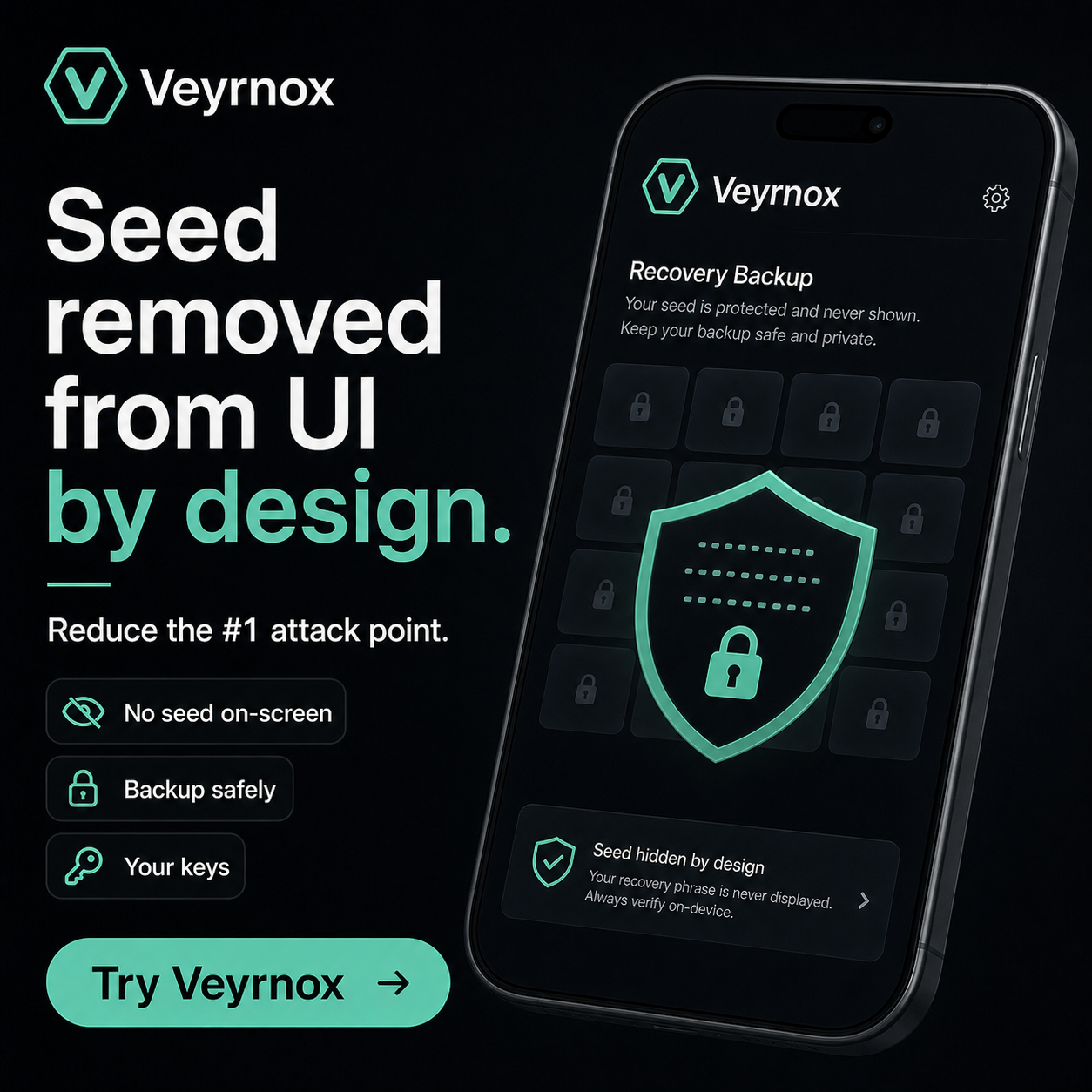
The #1 way people lose crypto isn't a smart-contract exploit or a chain hack. It's being tricked into typing their 12-word seed phrase into a fake wallet, fake app, or fake "support" page.
The attack in one paragraph
An attacker builds a lookalike site or in-wallet prompt that asks for your 12-word recovery phrase. It looks identical to the real wallet. You type your seed. They immediately import it into their own wallet and drain everything. There is no undo, no chargeback, no lock, no reset. Your seed phrase is your wallet — anyone who has it has your money.
Why every mainstream wallet is vulnerable
Every mainstream wallet has a screen that asks you to enter or verify a 12-word phrase. Setup asks for it. Restore asks for it. "Verify your backup" asks for it. Every scammer knows exactly which screen to imitate because it's a universal pattern across MetaMask, Trust Wallet, Exodus, Phantom, and dozens of others.
The attack surface exists because the seed phrase itself is a UI element — a string you're expected to read, write down, and re-enter. As long as that input surface exists in a legitimate wallet, an attacker can mimic it in a fake one.
How Veyrnox closes the surface
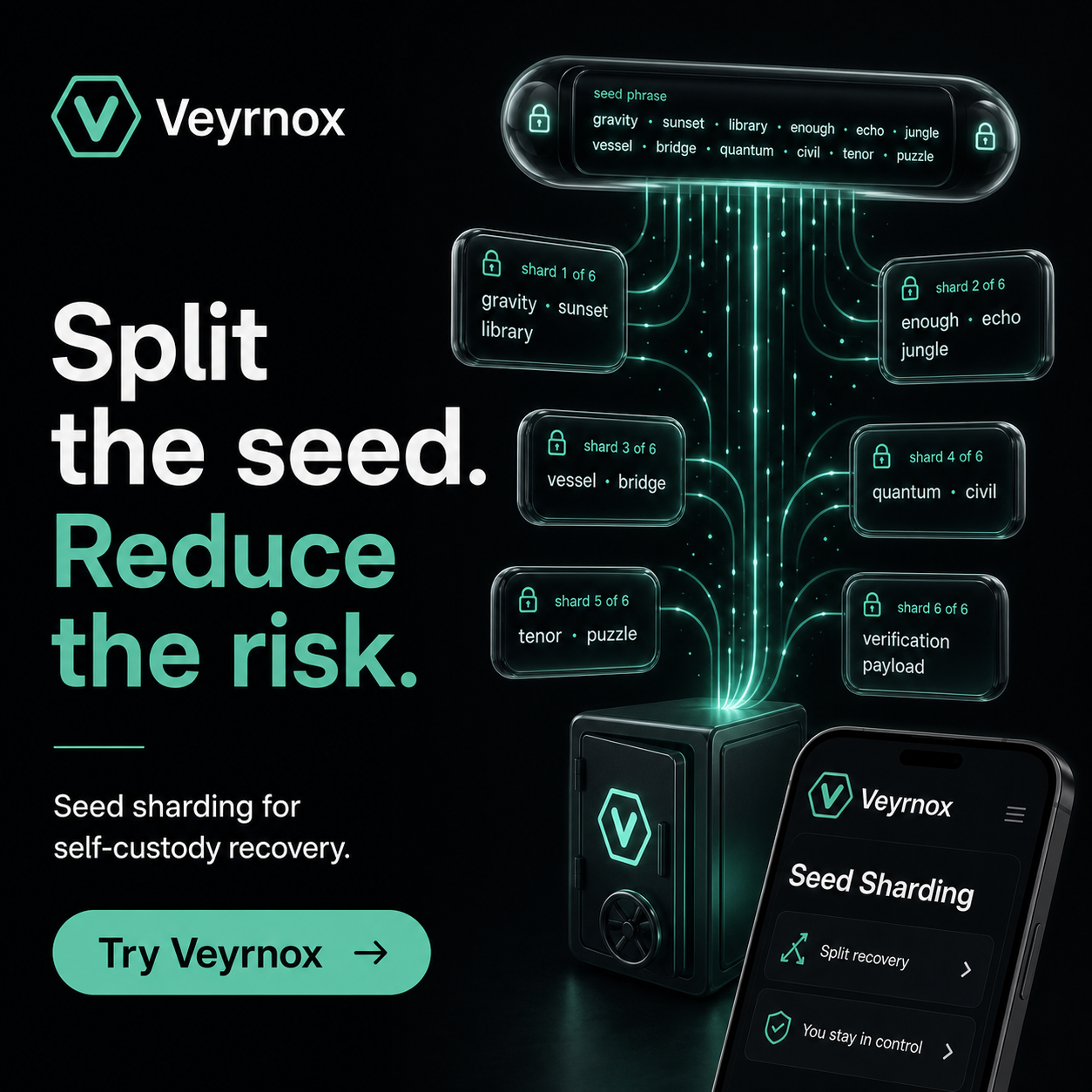
Veyrnox removes the seed phrase from the UI by design. You onboard with an 8-digit PIN. You recover through your own cloud account (iCloud on iOS, Google Drive on Android). There is no "enter your seed" screen, no "verify your phrase" step, no "emergency recovery input" for an attacker to imitate.
Under the hood, your seed is split using Shamir Secret Sharing into shards. Shards are distributed across your device's secure enclave and your own cloud. Veyrnox holds no shard. Each shard is encrypted at rest with a device-bound Key Encryption Key (KEK), so even a leaked shard file is useless without your physical device.
Recovery without ever exposing a seed
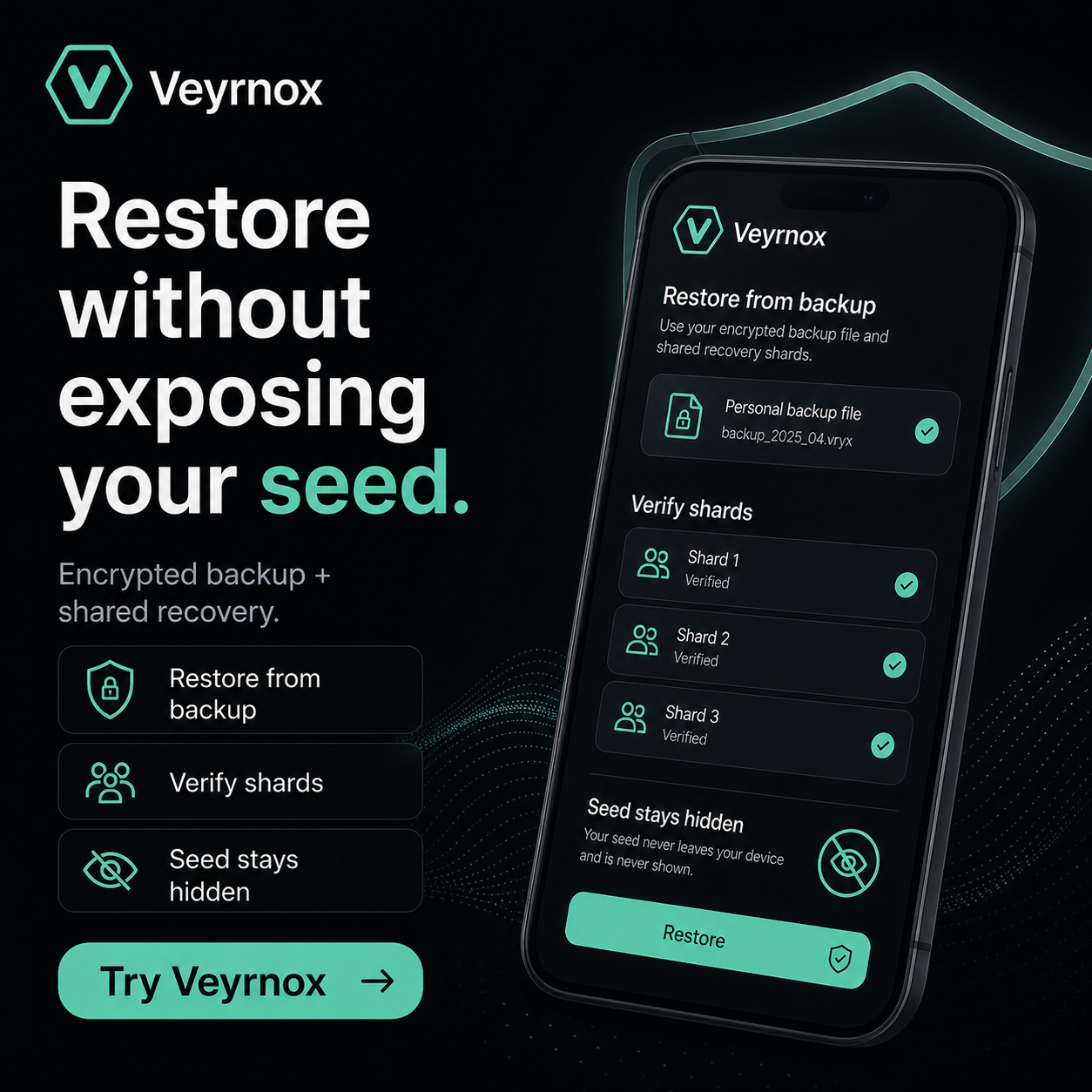
Lost your phone? Install Veyrnox on a new device, sign in to your cloud, verify the shards, set a new PIN. The seed is reconstructed inside your device's Secure Enclave (iOS) or StrongBox (Android), signs transactions, and never appears as text on screen. There is nothing for a fake "restore" page to steal, because there is nothing to type.
Where your keys actually live
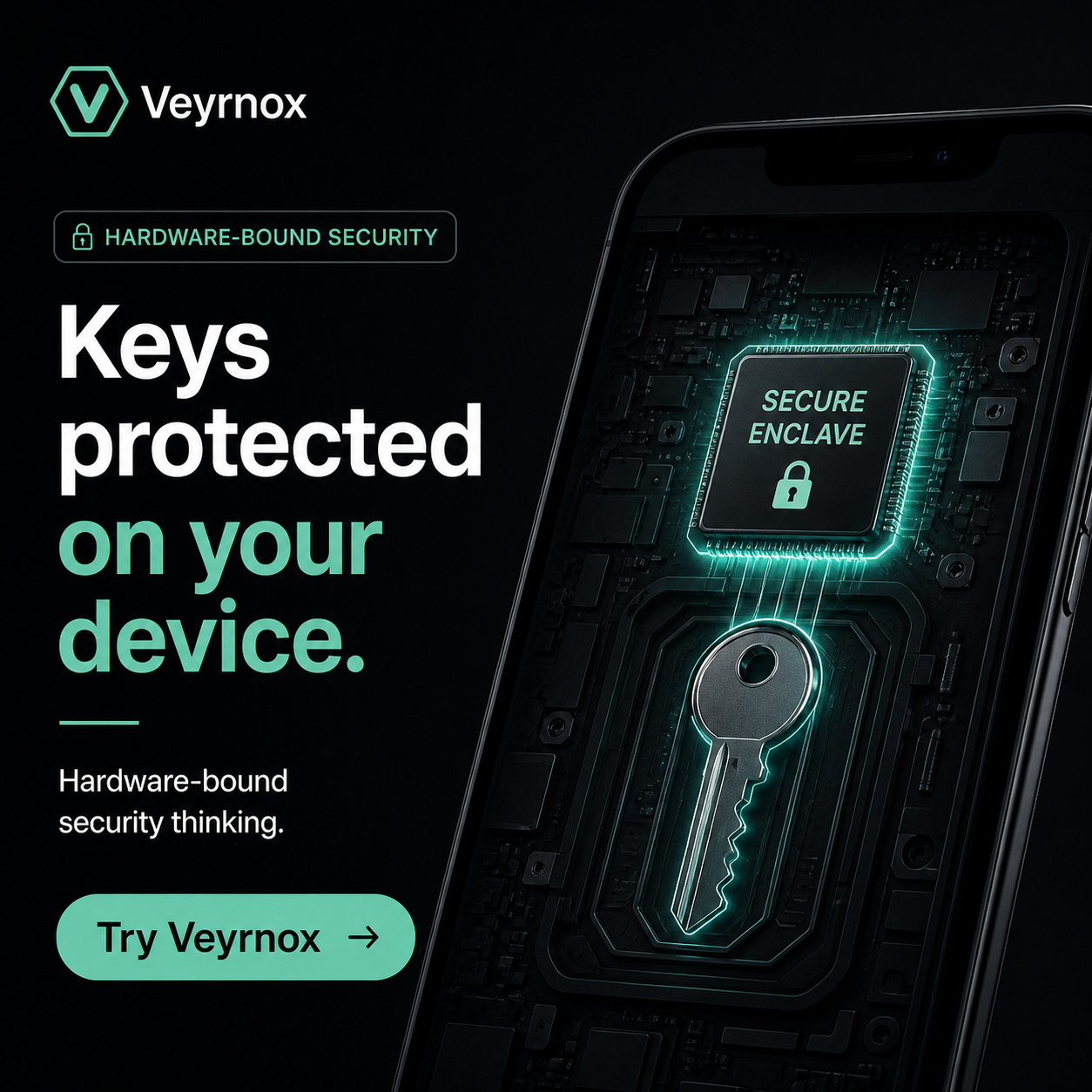
The reconstructed seed is used inside your device's hardware-backed secure element — Secure Enclave on iOS, StrongBox on Android. It never appears in plaintext to the app layer, never leaves the chip, and never touches our servers.
What this closes off — and what it doesn't
Removing the seed phrase from the UI closes off the single largest attack surface in crypto. It does not close off approval phishing (where an attacker tricks you into signing a malicious transaction), address poisoning (where an attacker sends you a lookalike address), or physical coercion. Those need their own defenses — transaction simulation, address checks, and coercion resistance — which we cover in separate posts.
Try Veyrnox
Self-custody without the seed phrase. Free on iOS. Android coming soon.
Download Veyrnox